Since 2022, using WordleSolver.pro has started with a small translation exercise. Your game shows you a colorful board. Our solver asked for form fields: green letters in one row, yellow letters in another, everything else typed into an excluded list.
Most players managed it in a few seconds. Nobody actually enjoyed it. Mid-puzzle, you are holding letter positions in your head, and if you have ever typed a yellow letter into the green row and wondered why the suggestions looked strange, you know exactly the tax we mean.
So we removed the translation. It is called Board mode, and it is live now.
Copy Your Game, Tap the Colors
Open wordlesolver.pro and click the Board tab above the solver. You will see a board that looks just like the one in your game: five tiles across, six rows down.
Retype your guesses. Every letter lands grey, because most letters in a real game are grey. Then tap any tile to cycle its color: grey, yellow, green, and back around. When the board on our site matches the board on your screen, press Solve. That is the whole workflow - the same Wordle solver underneath, with a much friendlier front door.
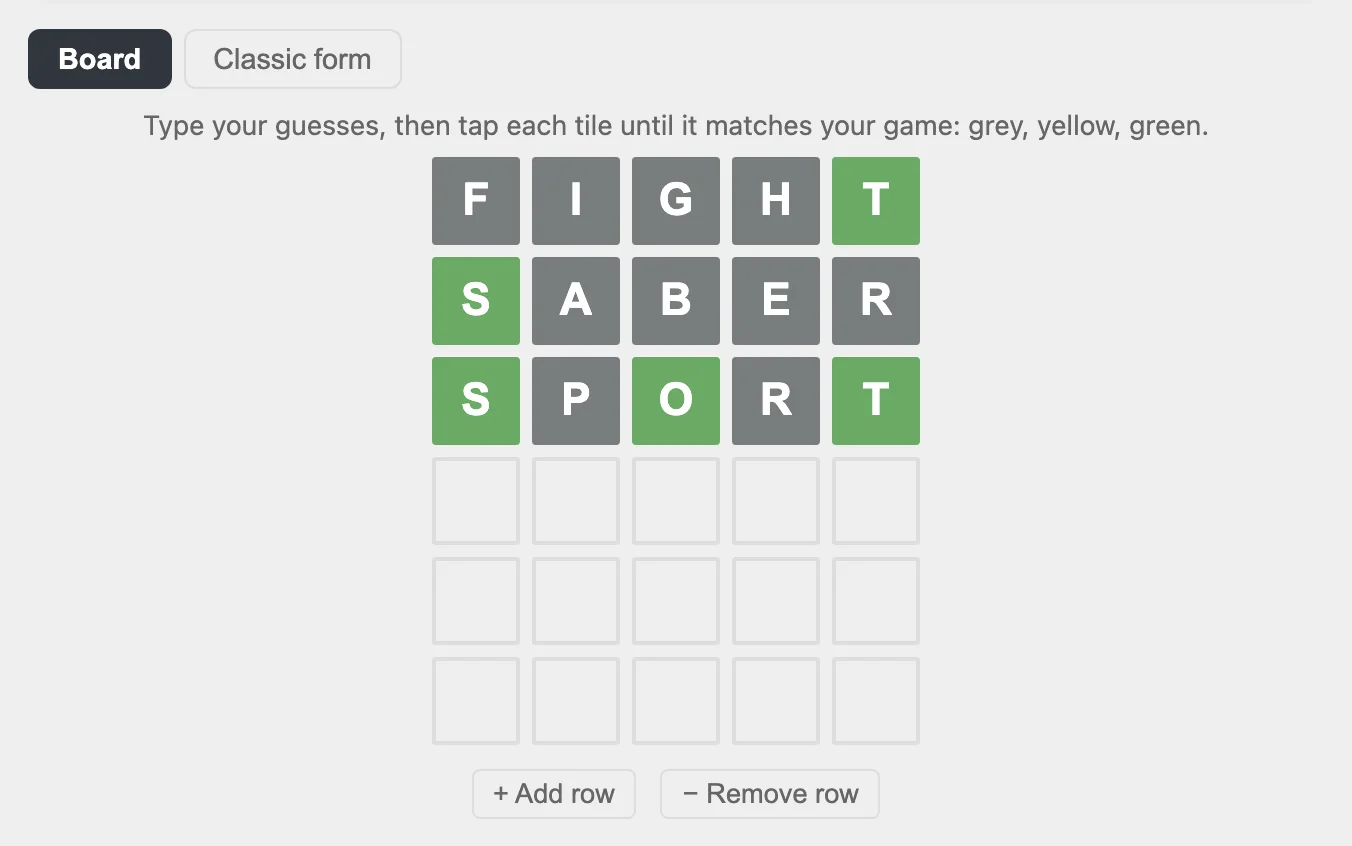
Here is a real example. Three guesses in - FIGHT, SABER, SPORT - and the board above already tells the solver everything: S, O, and T are locked into their positions, and nine other letters are out of the picture. One press of Solve:
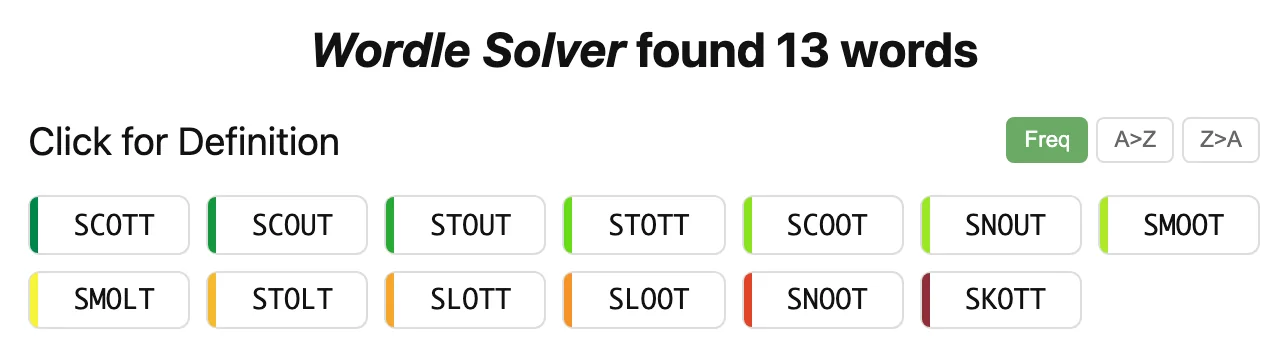
Thirteen candidates, sorted by how common they are, each one clickable for a definition. No form fields were involved.
The Details We Sweated
A few things you will notice once you start using it.
It handles more than Wordle. Playing Quordle or Octordle and running long on guesses? Press + Add row and keep going. Board mode also works across every word length we support: the classic 5 letter word finder you already know, the popular 6 letter, 7 letter, and 8 letter solvers, and every word finder from 3 letters up to 18.
Duplicate letters finally read the way the game means them. If one guess shows two yellow E’s and a grey E, that means the answer contains exactly two E’s. The board understands that automatically, with no duplicate-letter prompts to answer. This clue was honestly awkward to express in form fields, and it is one of the quiet reasons Board mode gives sharper suggestions on double-letter puzzles.
Switching back is not a restart. If you flip over to the Classic form mid-solve, your board arrives already translated: greens in the green row, yellows in place, greys in the excluded pool. The translation still happens. It just runs in the direction it always should have.
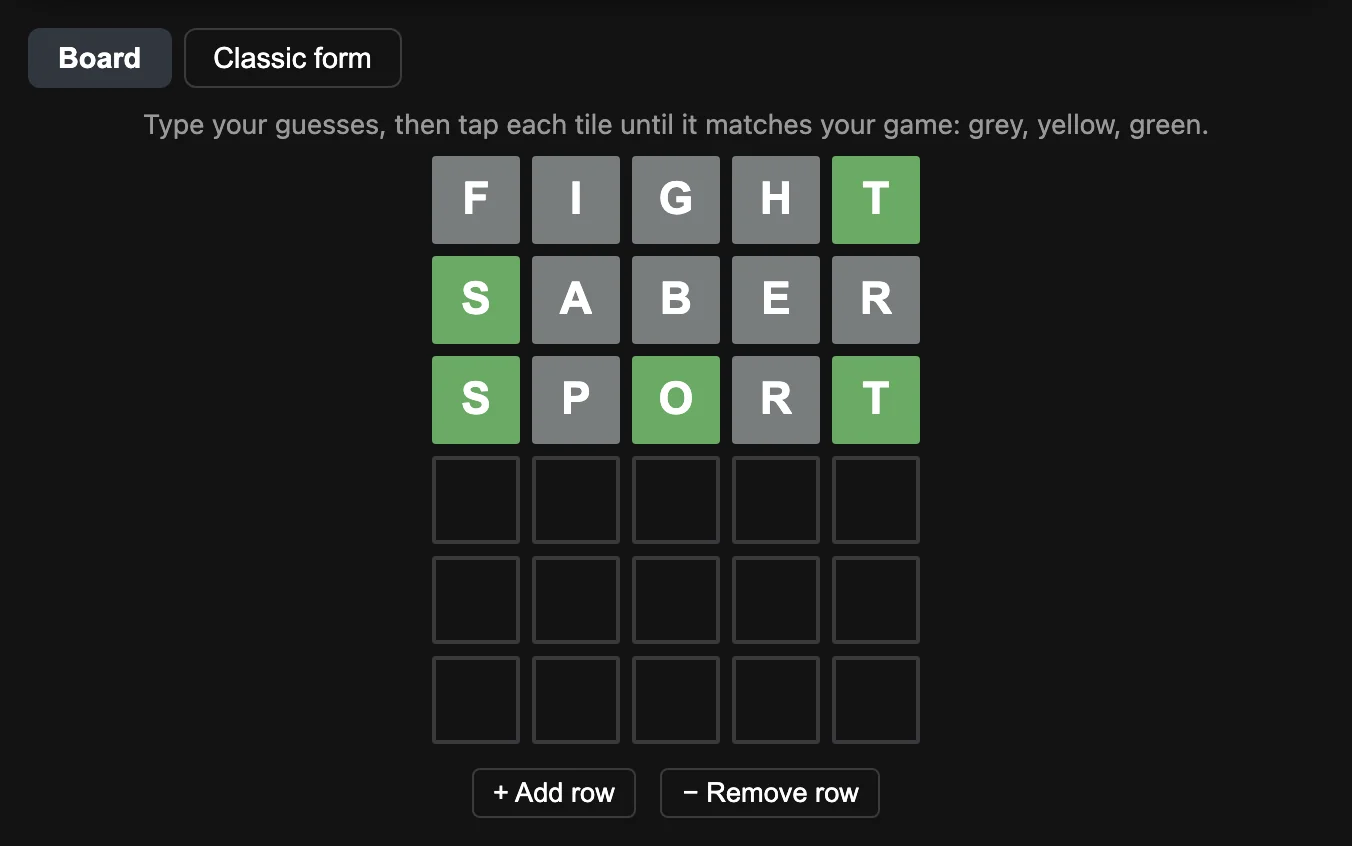
Dark mode came along. Late-night solvers, you are covered.
The Classic Form Is Not Going Anywhere
Plenty of players are fast with the classic fields, and some prefer typing only the letters that matter instead of retyping whole guesses. Both camps are right.
So both inputs stay. For now the classic form remains the default, and Board mode is one tap away. If the board wins you over, open Settings (the gear icon up top) and make it your default under the new Input Method tab.
As always, this update will be recorded in the Change Log at the bottom of the solver page, and the fastest way to shape the next one is to tell us what feels off. Reader notes have added dinosaurs to our word lists and caught bugs we missed. We read every one.
Try It
Start here: https://wordlesolver.pro/ - then click the Board tab and rebuild your puzzle. And if the puzzle in front of you runs long, the 9 letter and 10 letter word finders are one click away from the same page.
Wordle is a trademark of The New York Times Company. This site is not affiliated with NYT.